
Assembly workstation guidance: the right part lit up at every step
At an assembly workstation, Pick to Light lights the bin holding the part needed for the current assembly step and offers the next one only after the pick is confirmed. It works as poka-yoke, enforcing the right part and order without the operator reading drawings or lists. Errors in variant-rich assembly fall, and new staff become productive much sooner.
At a glance
- Micro-positions from 15 mm for small components
- Hands-free confirmation via optical sensor
- Light guidance developed in-house since 2018
Why manual assembly errors start at the parts bins
Manual assembly with many variants demands a lot from operators: they must remember which screw, connector or seal belongs to which version and in what order. Bins of similar parts sit side by side, and a moment of inattention sends a faulty product down the line. The error is often found only at final inspection or by the customer, where fixing it costs most.
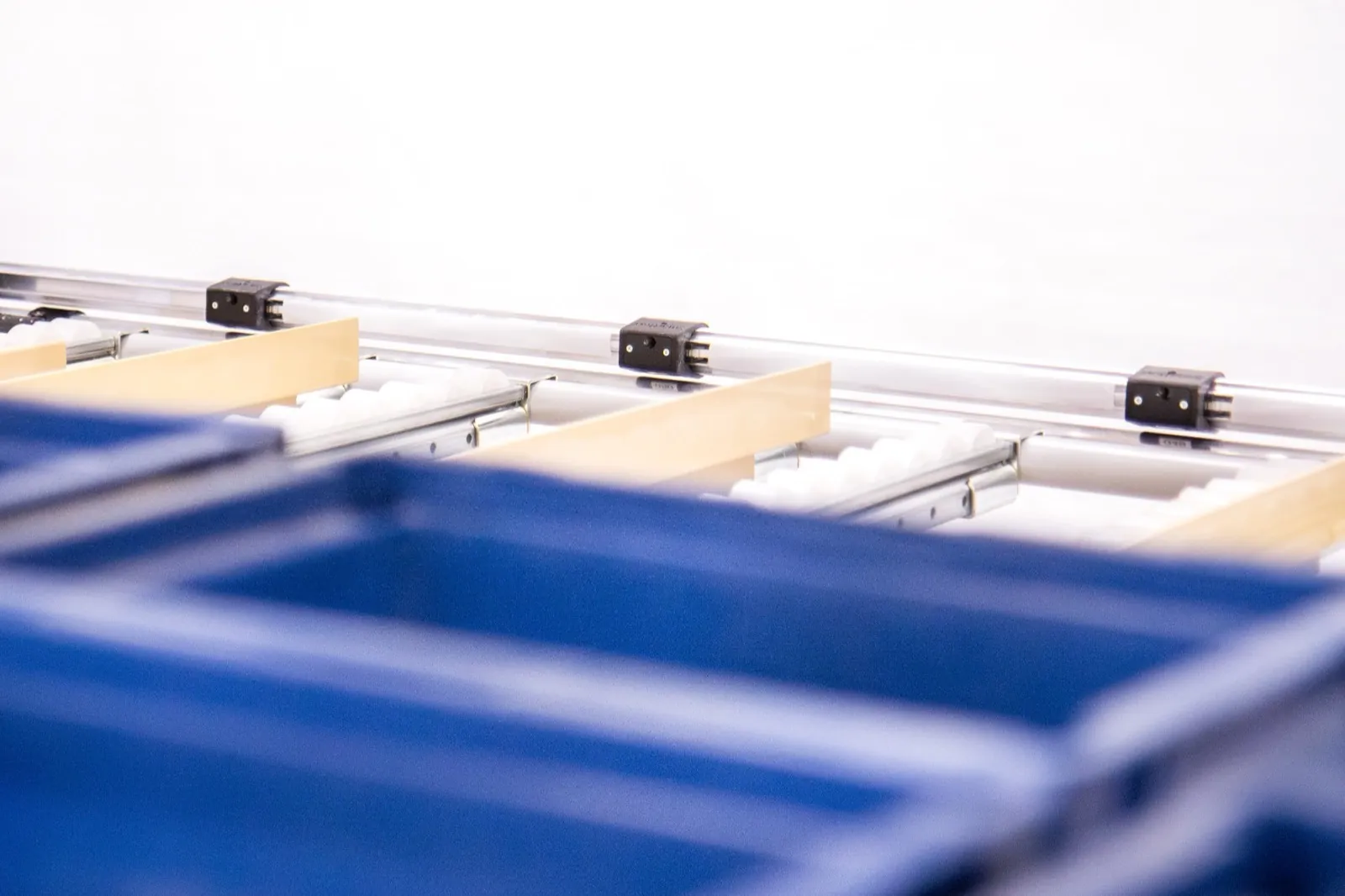
What Pick to Light changes at the workbench
Step-by-step guidance
Only the bin for the current step is lit. Once the pick is confirmed, the next part lights up immediately, so the workstation itself holds the assembly sequence.
Confirmation without delay
An optical sensor registers the reach into the position, so nothing needs pressing. Where a deliberate confirmation is required, the button on the PUM-A module is used.
Small parts in a tight grid
LED strips in aluminium profiles allow positions from just 15 mm wide, so even narrow bins of fasteners can be distinguished at the workstation.
New variants without rewiring
Position assignment is changed in software. When a variant is added or bins are rearranged, you adjust a setting, not the wiring.
How it works
- 1The operator scans the job or serial number, or the host system assigns it to the station.
- 2The system builds the list of steps and parts for that variant.
- 3The bin for the first step lights up, optionally with a quantity.
- 4A sensor or button confirms the pick and the next part lights up.
- 5After the last step, completion is recorded and the station is ready for the next unit.
WMS and ERP integration
The workstation can take bills of materials and step sequences from your ERP, WMS or production system via REST API or MQTT and report completion back. For a standalone station without integration, procedures can be managed directly in the CI4 control software. The controller connects over Wi-Fi or LAN and is configured through a web interface.
SoftwareWhat to prepare for an inquiry
- Number of product variants and assembly steps
- Number and size of bins at the workstation
- Preferred confirmation: sensor, button or app
- Whether the station runs standalone or linked to ERP/MES
- Photos or a sketch of the current workstation
Frequently asked questions
Other applications
All applications- E-commerce fulfillmentOne trip through the warehouse, several orders on one cart and a light that shows where each item belongs.Read more
- Put-to-light sortationPick in bulk, sort by light: a put wall splits one batch into dozens of orders at once.Read more
- Automotive kittingEvery part into the right kit and in the right order, without leafing through variant lists.Read more
Shall we look at your operation?
Send us your number of locations, orders and shifts – we will propose a setup and a payback estimate.