
Returns processing with put-to-light: sort, restock, lose nothing
In returns processing, Pick to Light, or more precisely put-to-light, lights up the slot a scanned item belongs to: back to a specific storage zone, to inspection or to further handling. Staff do not decide from memory; they follow the light. Returns get back on sale faster, no unidentified pile builds up and stock levels match reality.
At a glance
- The system decides each item's destination
- Zone-by-zone restocking with a light-guided cart
- Hardware and software developed in-house since 2018
Why returns pile up
Returns arrive in a random mix: different products, sizes and conditions in one box. Manual sorting is slow, requires product knowledge, and after Christmas or sales unprocessed goods pile up quickly. An item sitting in a pile cannot be sold, and if it is put away in the wrong place, the system shows it in stock but nobody can find it.
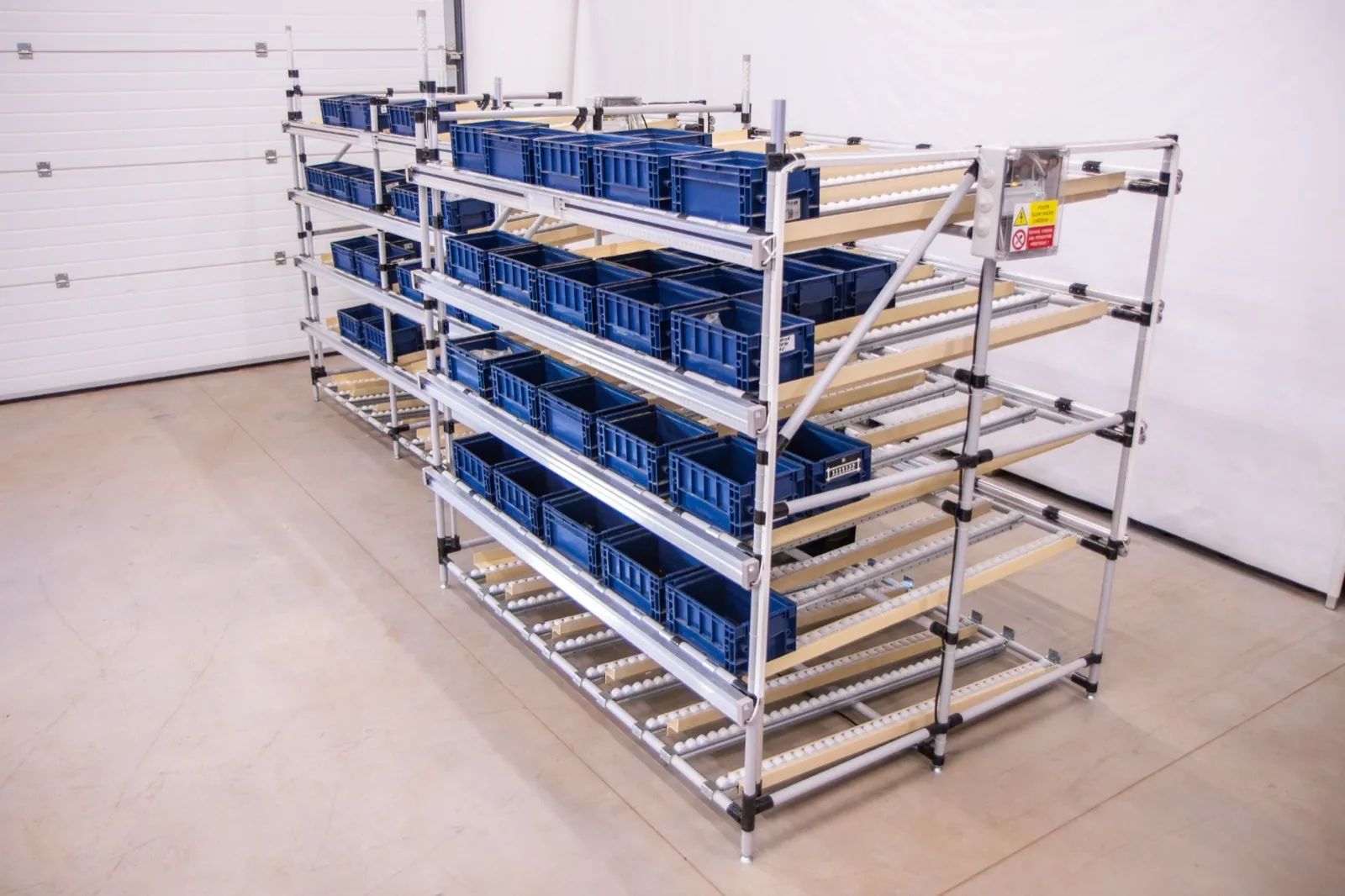
How light speeds a return back to sale
Sorting at the put wall
After a scan, the slot chosen by the system lights up, for example by storage zone, category or next step. The operator makes no choice.
Restocking by cart
Sorted items go back to the shelves on a cart with LED positions. The cart shows which item to take, and the shelf shows where to put it.
No product knowledge needed
New or seasonal staff can work on returns. They learn the system in about 30 minutes, because the system makes the decisions.
Stock levels you can trust
Every put and every restock is confirmed and recorded in real time, so an item becomes available in the system as soon as it is in the right place.
How it works
- 1The operator opens the return and scans the item.
- 2The WMS or ERP decides the next step and target slot.
- 3The slot lights up on the put wall and the operator confirms the put.
- 4A full slot moves onto a cart for restocking that zone.
- 5During restocking the light shows the shelf location and the confirmation updates stock.
WMS and ERP integration
The decision on where a return belongs stays in your WMS or ERP. The light system receives it via REST API, MQTT or WebSocket, turns it into a light signal and reports every put and restock back in real time. Where there is no warehouse system, Logisio WMS or simpler logic in the CI4 control software can be used.
SoftwareWhat to prepare for an inquiry
- Returns per day and seasonal swings
- How many destinations you sort into (zones, categories, steps)
- Typical dimensions of returned items
- How inspection and restocking work today
- The system that records returns
Frequently asked questions
Other applications
All applications- E-commerce fulfillmentOne trip through the warehouse, several orders on one cart and a light that shows where each item belongs.Read more
- Put-to-light sortationPick in bulk, sort by light: a put wall splits one batch into dozens of orders at once.Read more
- Automotive kittingEvery part into the right kit and in the right order, without leafing through variant lists.Read more
Shall we look at your operation?
Send us your number of locations, orders and shifts – we will propose a setup and a payback estimate.