
Spare parts picking with Pick to Light: thousands of locations, no searching
In a spare parts warehouse, Pick to Light lights the exact location of a part among thousands and shows the quantity, so pickers need not remember where an item picked once a month is stored. With locations from 15 mm, even small parts in a tight grid are distinguished. Look-alike mix-ups drop, and new staff do not need years of warehouse experience.
At a glance
- Locations from 15 mm for small parts
- Optional quantity display
- Pick to Light engineered in-house since 2018
When warehouse know-how lives in a few people's heads
A spare parts warehouse holds a huge number of items, most of them rarely picked. Parts often look alike and differ only by number, yet customers and service teams expect fast, accurate delivery. Speed then depends on a few experienced pickers who know where everything is. When they are absent, picking slows down and errors rise.
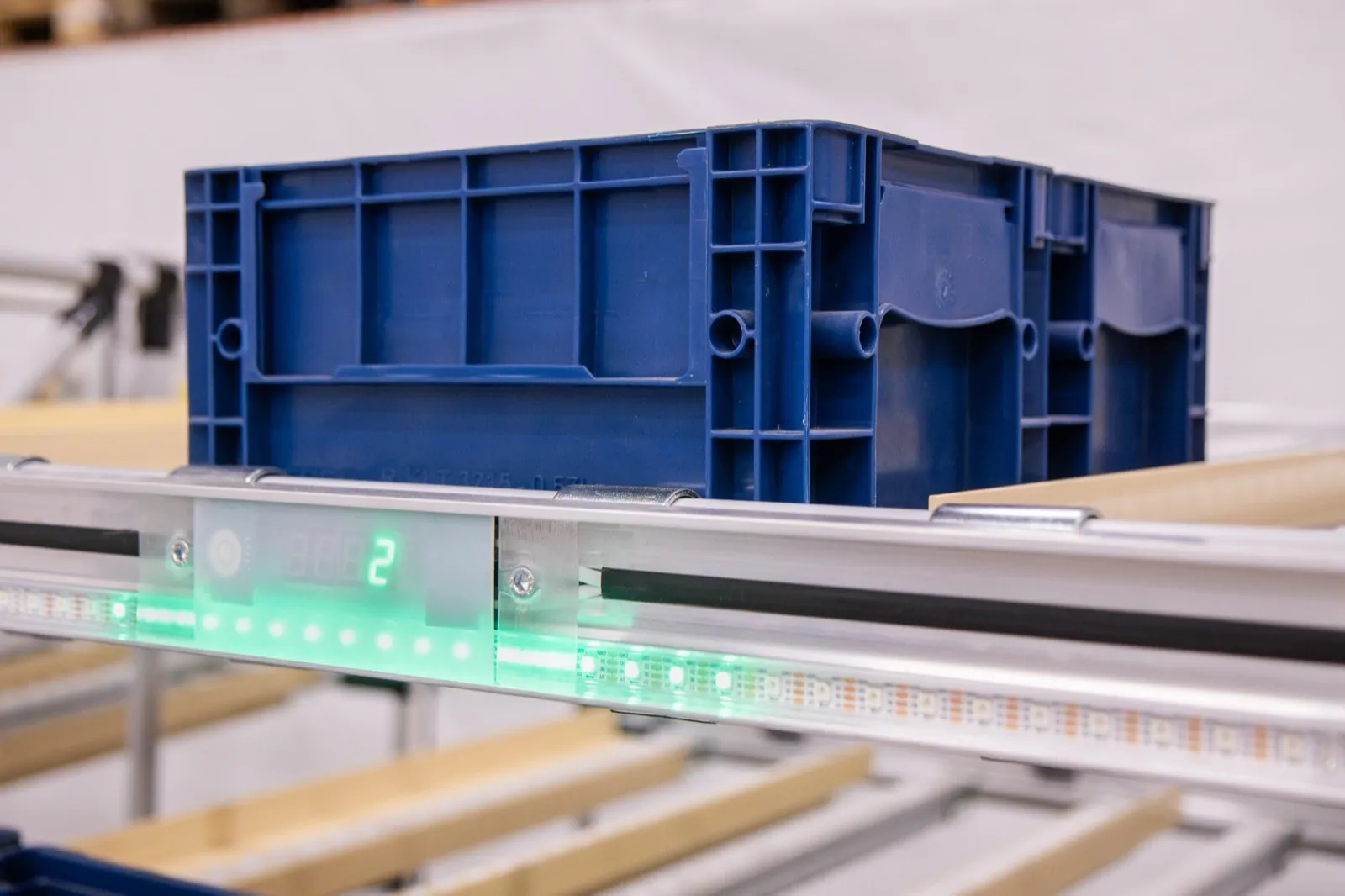
How Pick to Light speeds up spare parts dispatch
Dense grid, clear marking
LED strips in profiles mark locations as narrow as 15 mm, so even on a shelf full of small parts only the one correct bin lights up.
Several service orders at once
With an LED cart, one picker handles several orders for workshops or dealers in a single trip, and the light shows where each part belongs.
Re-slotting without relabelling
Locations are defined in software. When velocities change or new parts arrive, you reassign them in the system without physical work.
Quantity right at the location
A PUM-A module or e-ink display shows how many to take, reducing quantity errors for small parts issued in multiples.
How it works
- 1An order from a workshop or parts web shop reaches the WMS or ERP.
- 2The system assigns it to a cart or zone based on part locations.
- 3The part location lights up and the display shows the quantity.
- 4The picker takes and confirms the part, and the next line is offered immediately.
- 5The completed order goes to packing and the confirmation reaches the WMS.
WMS and ERP integration
Part and location data come from your WMS or ERP via REST API, MQTT or WebSocket, and every issue is reported back so stock levels stay accurate. Without a warehouse system, you can use Logisio WMS or logic in our CI4 control software. The integration can be tried out beforehand in a test environment.
SoftwareWhat to prepare for an inquiry
- Number of parts and the share of fast and slow movers
- Rack types and bin sizes
- Orders and lines per day
- Whether you issue single pieces or packs
- The WMS or ERP you use
Frequently asked questions
Other applications
All applications- E-commerce fulfillmentOne trip through the warehouse, several orders on one cart and a light that shows where each item belongs.Read more
- Put-to-light sortationPick in bulk, sort by light: a put wall splits one batch into dozens of orders at once.Read more
- Automotive kittingEvery part into the right kit and in the right order, without leafing through variant lists.Read more
Shall we look at your operation?
Send us your number of locations, orders and shifts – we will propose a setup and a payback estimate.